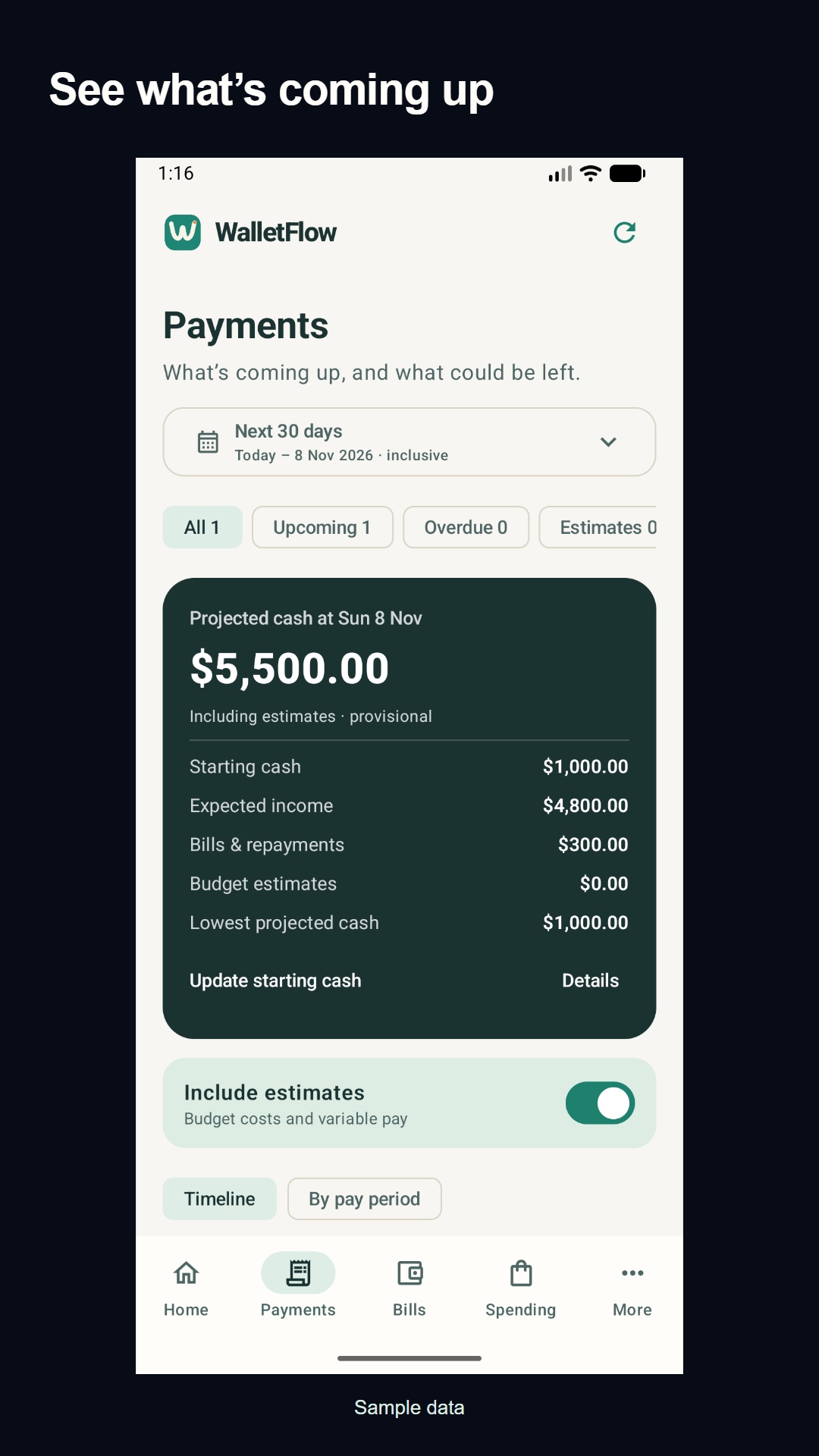
Try WalletFlow’s native Android app. See upcoming bills and repayments alongside your pay dates, with a projected running balance from the details you enter.
We’re looking for 15–20 Australian volunteers aged 18+, using Android 8 or newer. Weekly, fortnightly and monthly pay are all welcome.
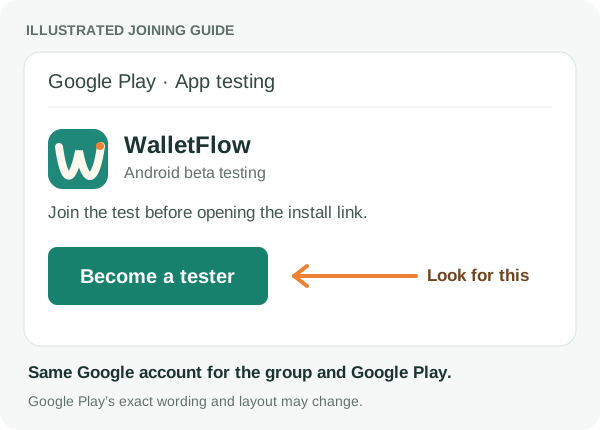
Open the Google Play testing page and choose Become a tester. Check that you’re using the same Google account.
Look for Become a tester. After joining, Google Play shows that you’re a tester and provides the installation link. Illustrated guide; Google Play’s layout may vary.Open Google Play opt-in (opens a new tab)
03
Install and try WalletFlow
Follow the install link Google Play shows after you opt in. Create or sign into your WalletFlow account in the app.
If Google Play says you aren’t eligible, check the account and group membership first. Internal testers must leave the internal test before joining the closed test. Tell us which step blocks you if you still can’t install.
Check your Google account at both steps
If you have more than one Google account, use the profile menu in Google Groups and Google Play to choose the same account. Your WalletFlow sign-in can use a different email; the tester group and Google Play must match.
A couple of common questions
Paid every three weeks or on irregular dates?
Choose Custom days or weeks when adding income, then enter the repeat interval, such as every three weeks. For pay with no repeating pattern, add each known payday as a one-off income. Use the actual date and amount so the forecast follows your schedule.
Outside Australia?
This Android beta currently targets Google Play accounts registered in Australia. You can start with regional currency, timezone and date preferences on the website. Android access still depends on your Play country and tester eligibility.
Use a separate test account for made-up income and two bills. If your account already contains your real plan, use those records and avoid adding sample entries. Try your pay cycle, check what’s due before payday, then change a bill date and look at the projection.
The free plan is enough for this exercise. Pro features are optional. No bank connection or real financial information is needed for testing.
Tell us what slowed you down
Use the app a few times over two weeks and stay opted in for 14 consecutive days if you can. We’d value honest feedback on signup, setup and whether the payment totals make sense.
Include your app version, phone model, Android version, the steps you tried, what you expected and what happened. Use invented amounts. Never send passwords, verification codes, bank details or real financial screenshots.
If you can, remain opted into the closed test for 14 consecutive days and return to the app a few times. Google requires at least 12 continuously opted-in closed testers before we can apply for a public release. Group membership and internal testing are separate from this closed-test opt-in.
Days 1–2
Build a small plan
Use a separate account with invented amounts. Add starting cash, income and two bills. Check what the forecast includes before payday.
Days 3–6
Try a real planning change
Move a bill date or adjust an income occurrence. Check whether upcoming payments and the projected balance change as you expect.
Days 7–10
Review spending
Record sample purchases, check their categories and compare the transaction list with the totals. Note anything confusing or missing.
Days 11–14
Return and share feedback
Install available updates, revisit the features you would normally use and retry any issue we have fixed. Send an honest account of what worked and what did not.
There is no fixed daily session length. Explore the features you would use and report problems, including anything that prevents you from finishing. Participation is voluntary; no public rating, review or purchase is required.
Prefer the browser?
WalletFlow also works on the web. Start a small household plan with your pay cycle and an upcoming bill.